sheet.stream
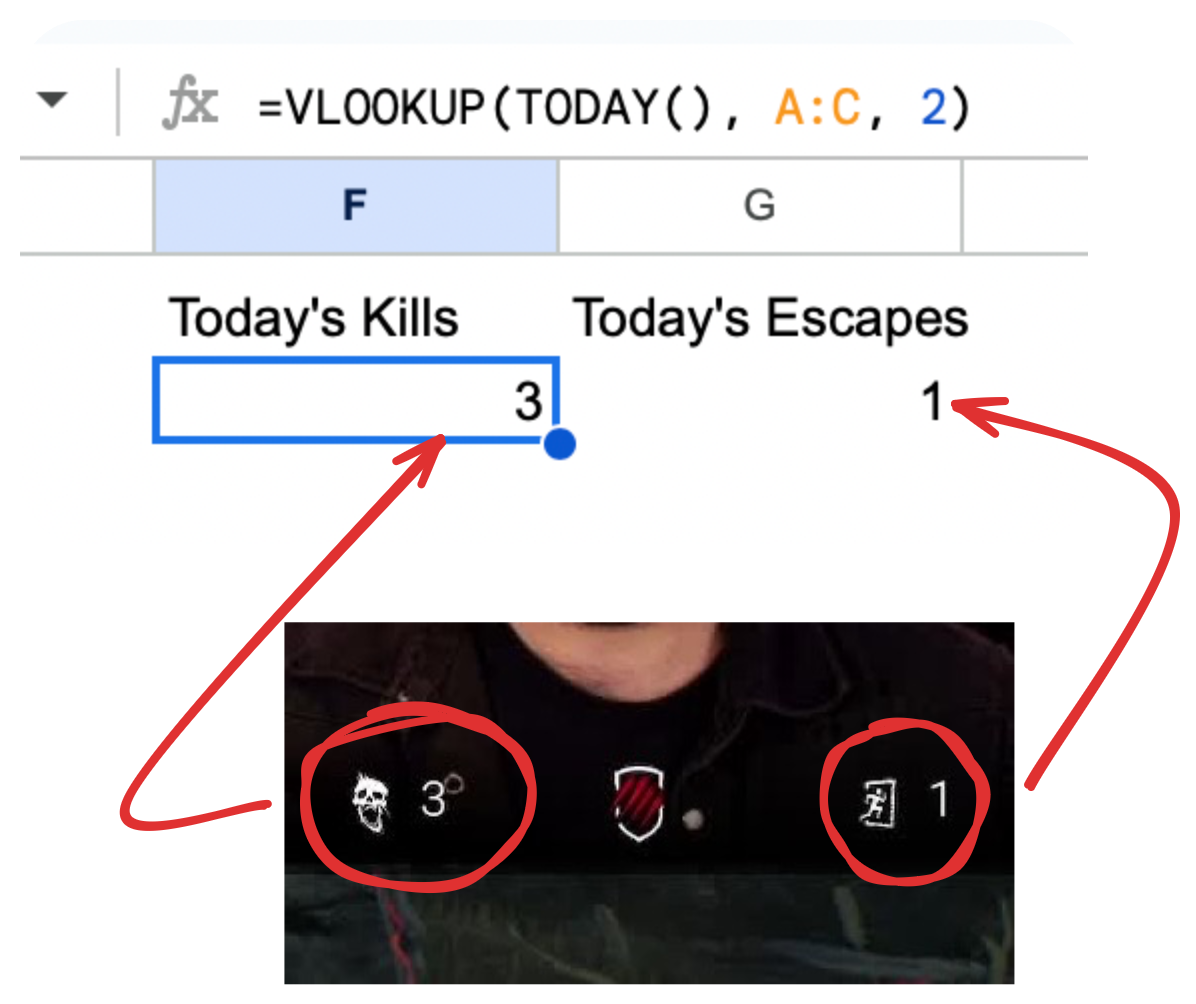
Display data from a Google Sheet on your Twitch/YouTube/TikTok streams in real time.
Free, easy to set up, and customizable.
How it Works
Follow these simple steps to fetch and display data from your Google Sheets on your live streams.
Step 1: Sign in with Google
Click on the ‘Sign in with Google’ button and authorize sheet.stream to access your Google Sheets.
Step 2: Select your Sheet
Choose the Google Sheet and the specific cell you want to fetch data from.
Step 3: Display on Stream
Use the provided URL to add a browser source on OBS or any other streaming software, and display the data on your live stream.